Build the edit
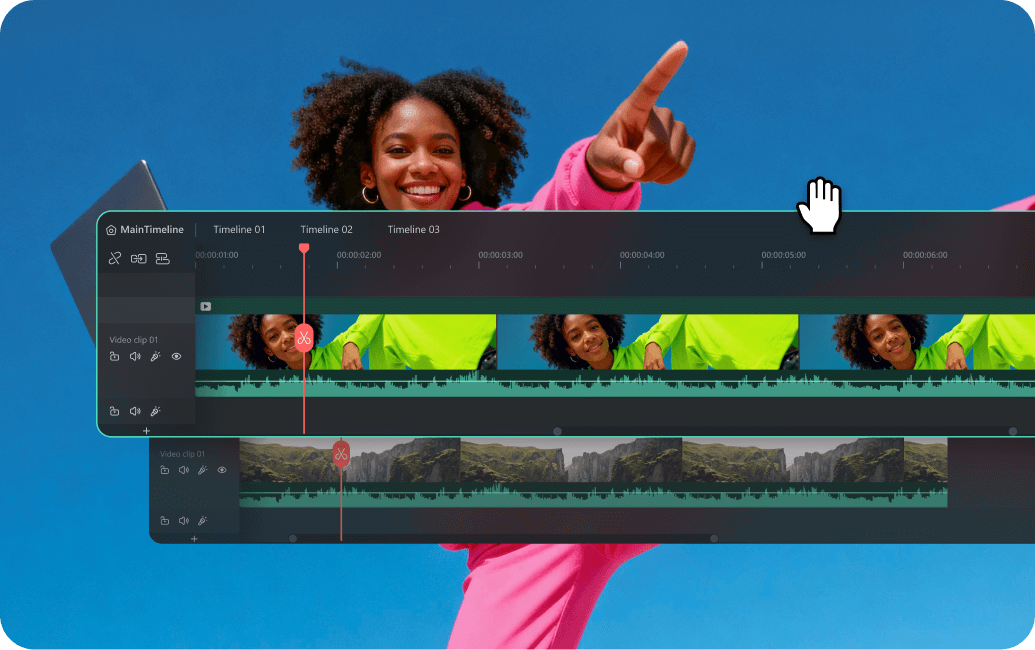
Arrange clips with timeline editing, then refine motion with keyframes and speed controls.
VIDEO EDITING · EFFECTS · AI TOOLS
Explore Wondershare Filmora: video editing, creative effects, and AI-assisted tools for turning a first idea into a finished story.
From a first sequence
to the final export.
MEET THE WORKSPACE
Build the sequence, shape the details, and choose the tools that support your story.
Arrange clips with timeline editing, then refine motion with keyframes and speed controls.
Explore speech-to-text and dynamic caption tools for text that supports your message.
Discover tools for object removal, video enhancement, and other selected editing tasks.
Explore audio enhancement, noise reduction, and music tools alongside the video workflow.
Use titles, effects, transitions, and templates to give your project a visual direction.
Filmora offers desktop and mobile experiences. Features and licensing can differ between platforms.
Feature availability depends on version, platform, and edition. Check current product details ↗
MAKE THE STORY YOURS
Choose an opening that tells the viewer why this video matters. Try a shorter introduction before adding more effects.
Use captions and titles to clarify the story. Check names, punctuation, timing, and placement before sharing.
Select a small set of transitions, text styles, and colors. Give each effect a reason to be in the edit.
YOUR FIRST PROJECT
Start small, complete the whole process, and build on what you learn.
Decide who the video is for and what you want them to take away. Gather the footage and audio that serve that purpose.
Put the story in order before polishing it. Try effects or assisted tools on a short section and review the result.
Watch the exported file, inspect captions, and confirm that any included media is suitable for your intended use.
BEFORE YOU GET STARTED
Check the desktop or mobile version that matches your device and the features you need.
Review trial conditions, export restrictions, AI usage allowances, and any separate content subscriptions.
Save your original footage and work from a clear project folder so revisions remain manageable.
COMMON QUESTIONS
Filmora offers trial options and paid plans. Check current export restrictions, included tools, and payment terms on the official website.
Availability can depend on the product, platform, plan, or usage allowance. Review the current terms for the specific features and assets you want to use.
Use the official technical specifications linked below. Compare the requirements with your operating system and hardware before installation.
No. Product buttons open Wondershare’s website, where you can review the software and current download options.
This is an independent product presentation, not a Wondershare website. Product names and official imagery belong to their respective owners.
YOUR NEXT PROJECT